
LTX-2.5 vs MiniMax H3: Speed, Quality, and Which Model to Use
Compare LTX-2.5 vs MiniMax H3 for speed, motion quality, prompt adherence, local deployment, and production workflows before choosing a model.
If you follow local AI video generation, the debate has already moved beyond whether open-weight models can make usable footage. The harder question is which model deserves your iteration time: LTX-2.5 vs MiniMax H3.
LTX-2.5 emphasizes local speed, open workflows, and native multi-shot generation. MiniMax H3 emphasizes multimodal references, complex instruction following, and physically demanding motion. Neither wins every brief. The right choice depends on whether your real bottleneck is GPU memory, waiting time, reference fidelity, or failed generations.
LTX-2.5 vs MiniMax H3: the short answer
Start with LTX-2.5 when you need fast iteration, a flexible ComfyUI pipeline, connected shots in one generation, or a model you can run and fine-tune on your own infrastructure.
If you want to compare a prompt before setting up ComfyUI, generate an LTX-2.5 clip in the browser.
Start with MiniMax H3 when the shot depends on complicated body movement, multiple interacting subjects, or detailed image, video, and audio references—and you can accept a heavier workflow and longer render times.
In practical terms:
- LTX-2.5 is the stronger rapid-previsualization and local-production engine.
- MiniMax H3 is often the stronger candidate for difficult motion and reference-led shots.
These are workflow recommendations, not universal quality rankings.
Where LTX-2.5 has the advantage
LTX's official model page positions 2.5 as an open-weight foundation that can run locally, be fine-tuned, and be deployed on private infrastructure. It adds native multi-shot generation, automatic duration, synchronized audio and video, and Diffusion Fidelity Rendering.
The headline benchmark—6.8 seconds for a 10-second 720p clip—was measured at steady state on two GB200 GPUs. It is useful evidence of the architecture's performance ceiling, but it is not a consumer-GPU benchmark.
Community comparisons still consistently describe LTX-2.5 as the faster model. The more useful metric, however, is not render time per attempt. It is time to first usable shot. If a difficult action requires five retries, a faster individual render may not save time overall.
Where MiniMax H3 has the advantage
The official MiniMax H3 model card describes a 33B multimodal system that can work with text, images, video, and audio references. Its published modes include first-and-last-frame generation and reference-to-audio-video, with native stereo audio.
In Reddit's LTX-2.5 vs H3 discussion, several users preferred H3 for complex movement, physical interactions, and multi-subject prompts. Others preferred LTX-2.5 for speed, high-resolution iteration, and latency-sensitive work. These are community observations, not controlled benchmarks, but they expose the real tradeoff: fast attempts versus fewer failed attempts.
Compare output quality the right way
A side-by-side montage is not enough if the prompts, resolutions, or workflows differ. Run the same four tests on the same GPU where possible:
- A static close-up to evaluate faces, texture, and audio sync.
- A turn, object pickup, or two-person interaction to test motion and physics.
- A product shot with a reference image to test identity and material retention.
- A short multi-shot scene to test continuity across cuts.
Record total time to the first usable result, including failed attempts. That number matters more to a production team than the fastest isolated render.
Choose LTX-2.5 when you need
- Rapid storyboards and multiple shot options.
- A reusable local ComfyUI workflow.
- Two to four connected shots in a single generation.
- Open weights for fine-tuning or private deployment.
- Fast previews before a smaller number of high-quality finishing passes.
Choose MiniMax H3 when you need
- Complex human movement or multi-character interaction.
- Rich image, video, or audio reference conditions.
- Stronger preservation of a specific subject, product, or motion reference.
- Fewer iterations even when each render takes longer.
The best workflow may use both
LTX-2.5 and MiniMax H3 do not have to be mutually exclusive. You can use LTX-2.5 to explore composition, pacing, and camera language, then send the most physically difficult shots to H3. You can also establish a subject or motion in H3, then use LTX-2.5 for extensions, transitions, and rapid variations.
Do not ask which model is strongest in the abstract. Ask which cost is highest for your project: GPU capacity, waiting time, or unusable generations. That answer tells you which model to open first.
For your next LTX test, start with our LTX-2.5 multi-shot prompt guide or browse the reusable LTX prompt library.
If the comparison points you toward LTX-2.5, you can start with a browser generation without installing ComfyUI: create a clip with LTX-2.5.
Author

LTX-2.5 Editorial Team
The editorial team behind the LTX model guides and workflows published on ltx-23.org.
Categories
More Posts
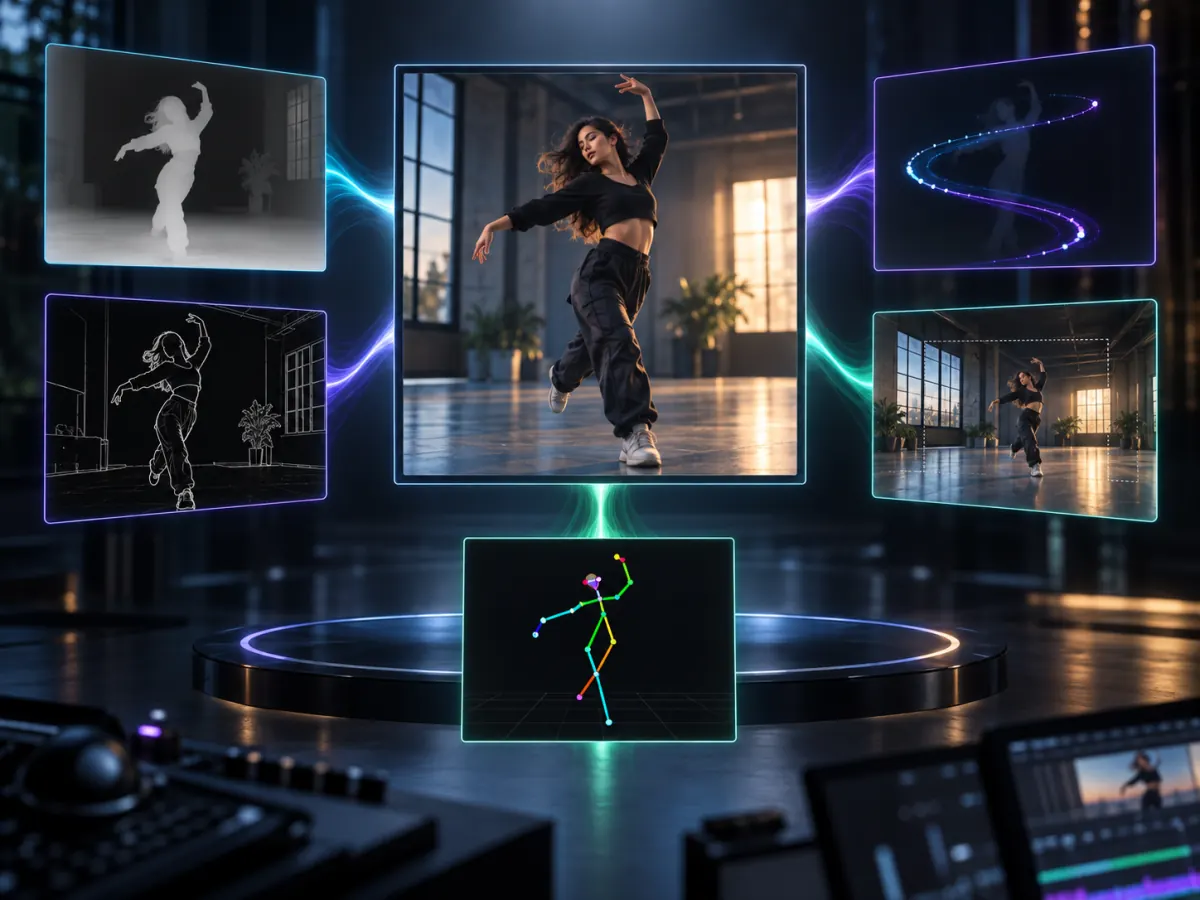
LTX-2.5 IC-LoRA Guide: Video Editing and Control in ComfyUI
Explore LTX-2.5 IC-LoRA workflows for pose control, motion guidance, inpainting, outpainting, consistent characters, and video upscaling.
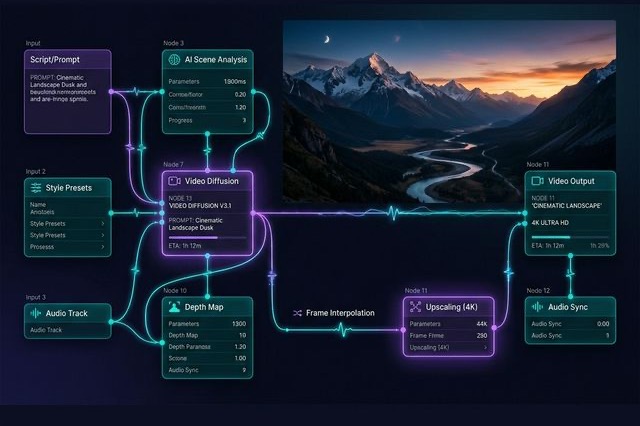
Ultimate LTX 2.3 ComfyUI Workflow Guide: Trending Reddit & X Setups (2026)
Master the LTX 2.3 ComfyUI workflow for AI video. Learn low VRAM setups, Gemma 3 text encoder tips, and advanced image-to-video techniques from Reddit.

LTX-2.5 Low VRAM Guide: Can 8GB, 12GB, or 16GB Run It?
Learn the real LTX-2.5 VRAM requirements for 8GB, 12GB, and 16GB GPUs, including official guidance, low-VRAM workflows, and practical tradeoffs.