LTX-2.5 Quantization Guide: BF16, INT8, and NVFP4 Compared
Choose the right official LTX-2.5 checkpoint for ComfyUI: BF16 for compatibility, INT8 ConvRot for lower memory, or NVFP4 for supported Blackwell GPUs.
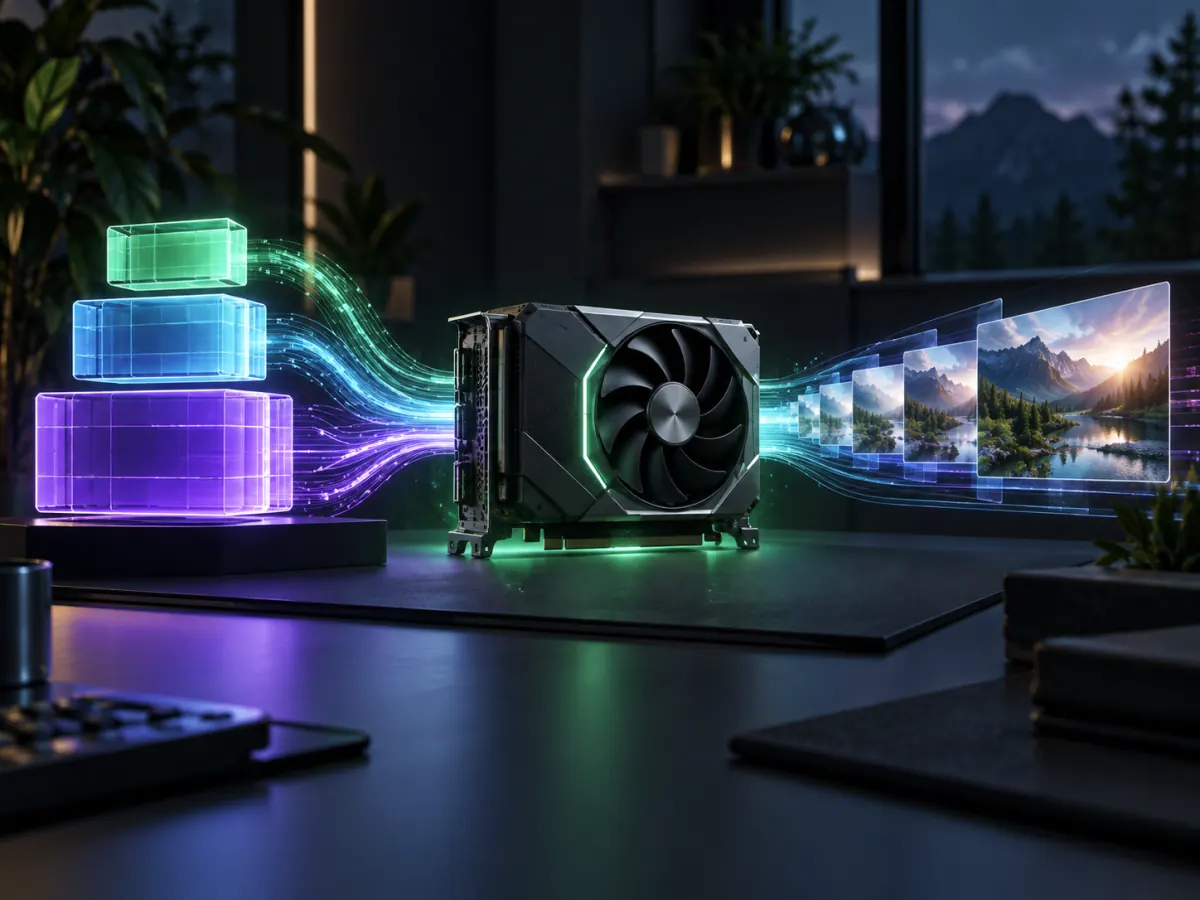
Choosing an LTX-2.5 checkpoint is not simply a contest for the smallest file. The correct format depends on the inference tool, GPU architecture, memory budget, and whether the workflow needs the full Dev transformer or the faster Distilled transformer.
The current official LTX-2.5 model repository documents three primary transformer formats: BF16, ComfyUI-specific INT8 ConvRot, and NVFP4. To test a prompt before choosing local weights, generate an LTX-2.5 preview online. Older LTX workflows may mention FP8 or community GGUF files, but those names should not be treated as interchangeable with the official LTX-2.5 pack.
BF16: the compatibility baseline
BF16 is available for both the Dev and Distilled transformers. It is the most straightforward choice when the GPU has enough memory and the workflow follows the official Python or ComfyUI configuration.
Choose BF16 when:
- you want the documented baseline before testing quantization;
- your hardware can load the required transformer, encoder, VAE, and optional upscalers;
- you use a pipeline that does not support the ComfyUI-only formats.
The tradeoff is memory. A complete video-and-audio workflow contains more than the transformer, so transformer size alone does not describe the peak VRAM requirement.
INT8 ConvRot: lower memory for ComfyUI
The official pack includes INT8 ConvRot weights for both Dev and Distilled. These files are marked for ComfyUI only and are not intended for the standard PyTorch or ltx-pipelines loader.
INT8 is a practical option when:
- ComfyUI is the target interface;
- BF16 does not leave enough room for the text encoder, VAE, or upscaler;
- the installed LTX nodes explicitly support the ConvRot checkpoint.
Do not load an INT8 file with a generic BF16 workflow and assume ComfyUI will infer the correct path. Start from the matching official workflow template.
NVFP4: for supported Blackwell hardware
NVFP4 checkpoints are published for the Distilled transformer. The official instructions associate them with Blackwell GPUs and LTX kernels support.
NVFP4 can reduce the transformer footprint significantly, but it is not a universal fallback for every NVIDIA card. Confirm the GPU generation, driver, CUDA environment, and node support before downloading the weights.
Dev or Distilled?
Format and model variant answer different questions:
- Dev is the full, trainable transformer and is used by guided two-stage workflows such as TI2Vid, keyframe, and audio-to-video.
- Distilled follows a fixed, shorter sampling schedule and is the expected transformer for the Distilled, DFR, IC-LoRA, and Dub-It pipelines.
Select the pipeline first, then choose a supported precision for that variant.
A safe decision order
- Identify the required pipeline and features.
- Confirm whether it expects Dev or Distilled.
- Start with the official workflow template.
- Use BF16 if the complete graph fits.
- Use the official INT8 ConvRot path for lower-memory ComfyUI setups.
- Use NVFP4 only on supported hardware.
- Change one component at a time and keep the last successful graph.
If your graph still fails after choosing the correct checkpoint, follow the LTX-2.5 ComfyUI OOM guide. For broader hardware tiers, see the LTX-2.5 low-VRAM guide.
Skip the GPU setup. No local install, no VRAM tuning — paste a prompt and render an LTX-2.5 clip in the browser. Try it on ltx-23.org →
Author

LTX-2.5 Editorial Team
The editorial team behind the LTX model guides and workflows published on ltx-23.org.
Categories
More Posts
LTX Desktop Honest Review (2026): Is It Actually Better Than ComfyUI?
An unfiltered deep dive into LTX Desktop vs ComfyUI. We tested its local rendering capabilities and gathered Reddit tips to keep your setup from crashing.

LTX-2.5 Multishot Prompts: A Practical Guide to Better Cuts
Learn how to write LTX-2.5 multishot prompts with clear cuts, consistent characters, continuous audio, and a reusable three-shot prompt example.
LTX-2.5 Low VRAM Guide: Can 8GB, 12GB, or 16GB Run It?
Learn the real LTX-2.5 VRAM requirements for 8GB, 12GB, and 16GB GPUs, including official guidance, low-VRAM workflows, and practical tradeoffs.