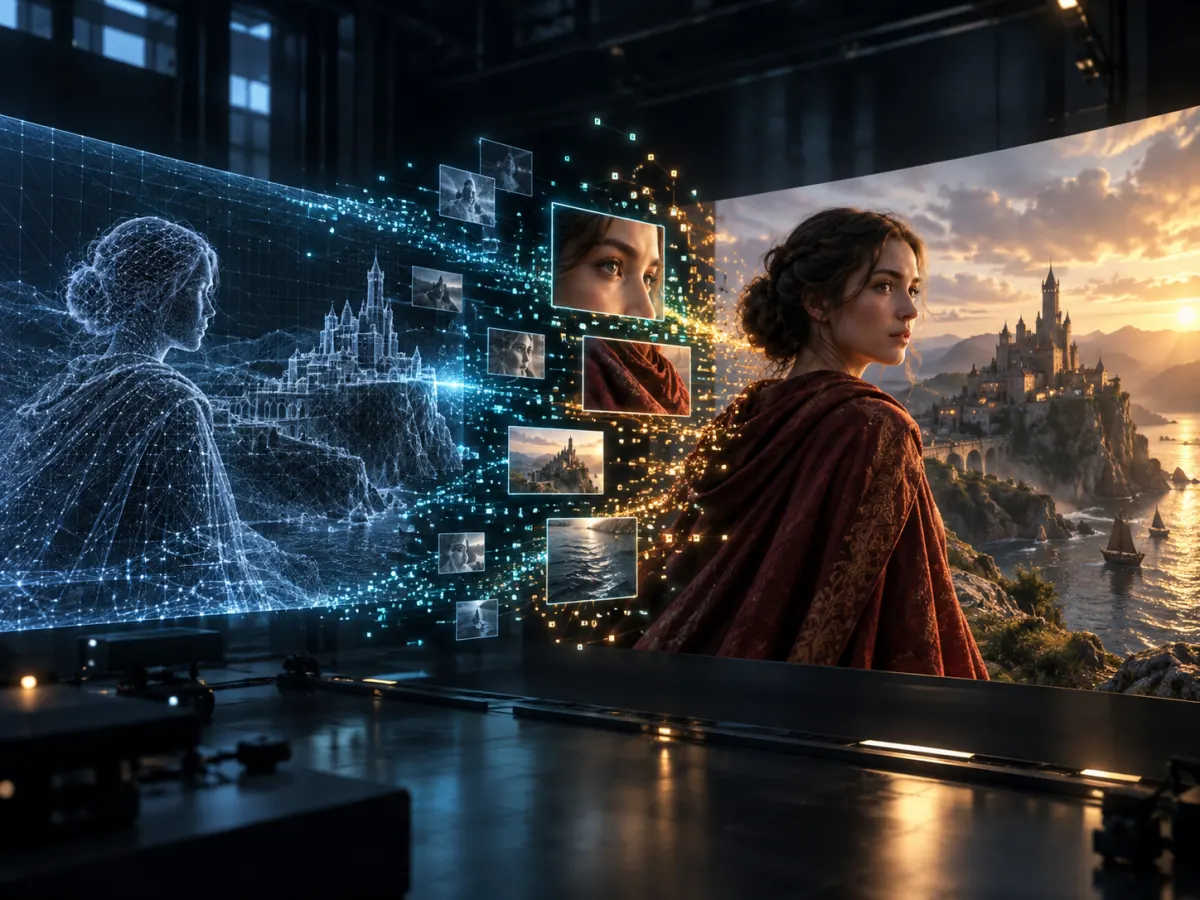
LTX-2.5 DFR Explained: How Diffusion Fidelity Rendering Works
Learn how LTX-2.5 DFR allocates compute by scene complexity, how its two-stage pipeline works, and when to use it for AI video generation.
LTX-2.5 DFR is one of the most important additions in the LTX-2.5 release. Short for Diffusion Fidelity Rendering, DFR changes how the model spends its compute budget across a video.
Not every moment in a shot has the same rendering difficulty. A static wall, a moving face, reflective fabric, and fast camera motion do not require equal attention. A conventional pipeline may still process them at a relatively uniform level.
According to the official LTX documentation, DFR allocates compute according to scene complexity and the available budget. Visually demanding moments can receive more processing, while simpler portions require less.
How does LTX-2.5 DFR work?
The process can be understood as three stages:
- Establish the motion, composition, and overall structure.
- Produce high-information keyframes that anchor visual fidelity.
- Render the final video through a dedicated pixel-diffusion stage.
A widely discussed ComfyUI launch post describes the workflow as generating motion and framing in a highly compressed latent space, selecting more keyframes for difficult scenes, and then combining the structure and keyframes during the final render.
To explore a shot before configuring a local workflow, start with a browser-generated LTX-2.5 clip.
The practical idea is straightforward: decide what happens first, then spend more of the available budget on the frames and regions where fidelity matters most.
Is DFR the same as video upscaling?
No. DFR is part of the broader rendering strategy. The LTX-2.5 Pixel Spatial Upscaler is a separate IC-LoRA adapter.
The pixel upscaler takes a clean low-resolution reference video and performs a generative 2× re-render. It synthesizes additional spatial detail instead of only interpolating the source pixels. LTX recommends producing a lower-resolution draft first and passing the approved result into the upscaling stage. See the official Pixel Spatial Upscaler model card.
That distinction matters when troubleshooting. If the base motion or framing is wrong, an upscaler will not repair the creative decision. If the structure is already working but textures and faces need more definition, a higher-fidelity finishing stage can be valuable.
When should you use DFR?
DFR is especially relevant when:
- Faces, clothing, textural detail, or reflective materials matter.
- A shot combines static areas with complex motion.
- You have a fixed compute budget.
- Composition is already approved and final quality is the priority.
- A uniform full-resolution pass would spend too much time on visually simple sections.
During early experimentation, a simpler or lower-resolution workflow may be faster. Once the motion and framing are correct, DFR becomes more useful as a final-quality stage.
DFR versus full-resolution generation
Full-resolution generation has the advantage of a direct, easy-to-understand pipeline. Every part of the clip is generated at the target resolution, but the cost is paid across the entire sequence.
DFR introduces more stages, yet it can use the budget more selectively. It is not automatically better for every shot. A short, static clip may not benefit as much as a scene containing faces, camera movement, changing depth, and detailed surfaces.
A sensible test is to keep the prompt, seed, duration, and target resolution constant, then compare:
- Total render time.
- Face and texture stability.
- Motion clarity during the most difficult frames.
- Whether the final output is usable without another repair pass.
The last measurement is usually more important than an isolated speed figure.
A practical LTX-2.5 DFR workflow
Start with a short preview and solve the creative variables before paying for the finishing stages:
- Generate at a moderate base resolution.
- Check subject identity, action, framing, and camera direction.
- Keep the best seed and remove conflicting prompt instructions.
- Run the higher-fidelity pipeline only on selected results.
- Inspect faces, fine patterns, reflections, and fast motion before exporting.
This approach separates creative iteration from final rendering. It also makes failures easier to diagnose because the composition and fidelity stages are not changing at the same time.
The value of LTX-2.5 DFR is therefore not simply “higher resolution.” It is a more selective way to spend compute where viewers are most likely to notice it.
For specialized control and video-to-video editing, continue with the LTX-2.5 IC-LoRA guide. If hardware capacity is your main constraint, use the LTX-2.5 low-VRAM guide before choosing a workflow.
Skip the GPU setup. No local install, no VRAM tuning — paste a prompt and render an LTX-2.5 clip in the browser. Try it on ltx-23.org →
Author

LTX-2.5 Editorial Team
The editorial team behind the LTX model guides and workflows published on ltx-23.org.
Categories
More Posts
LTX-2.5 ComfyUI OOM Fixes: A Practical VRAM Troubleshooting Guide
Fix LTX-2.5 out-of-memory errors in ComfyUI by isolating model loading, text encoding, sampling, upscaling, and VAE decoding.
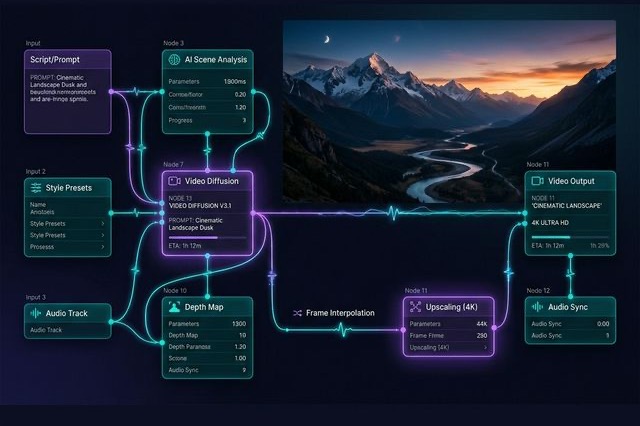
Ultimate LTX 2.3 ComfyUI Workflow Guide: Trending Reddit & X Setups (2026)
Master the LTX 2.3 ComfyUI workflow for AI video. Learn low VRAM setups, Gemma 3 text encoder tips, and advanced image-to-video techniques from Reddit.
LTX-2.5 Low VRAM Guide: Can 8GB, 12GB, or 16GB Run It?
Learn the real LTX-2.5 VRAM requirements for 8GB, 12GB, and 16GB GPUs, including official guidance, low-VRAM workflows, and practical tradeoffs.